Full-screen D-Clock
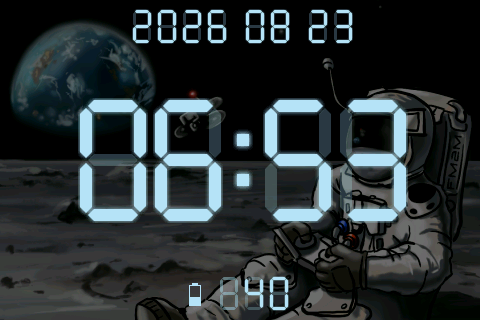
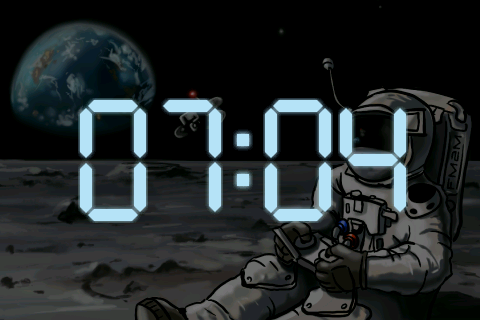
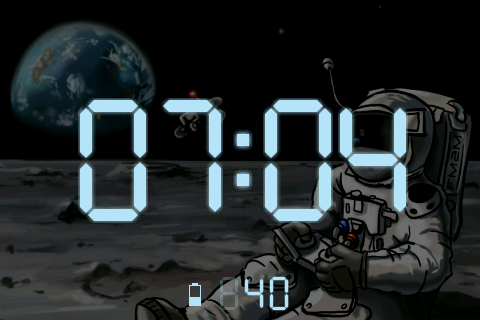
A large, clear clock designed to fill your radio display. Show or hide seconds, the date, and your radio battery level.
Turn your EdgeTX radio into a desktop clock, personalize its display, and show your favourite aircraft in the background. To help preserve your battery and LCD, the activity screensaver switches to a minimal display showing the time or your custom logo.

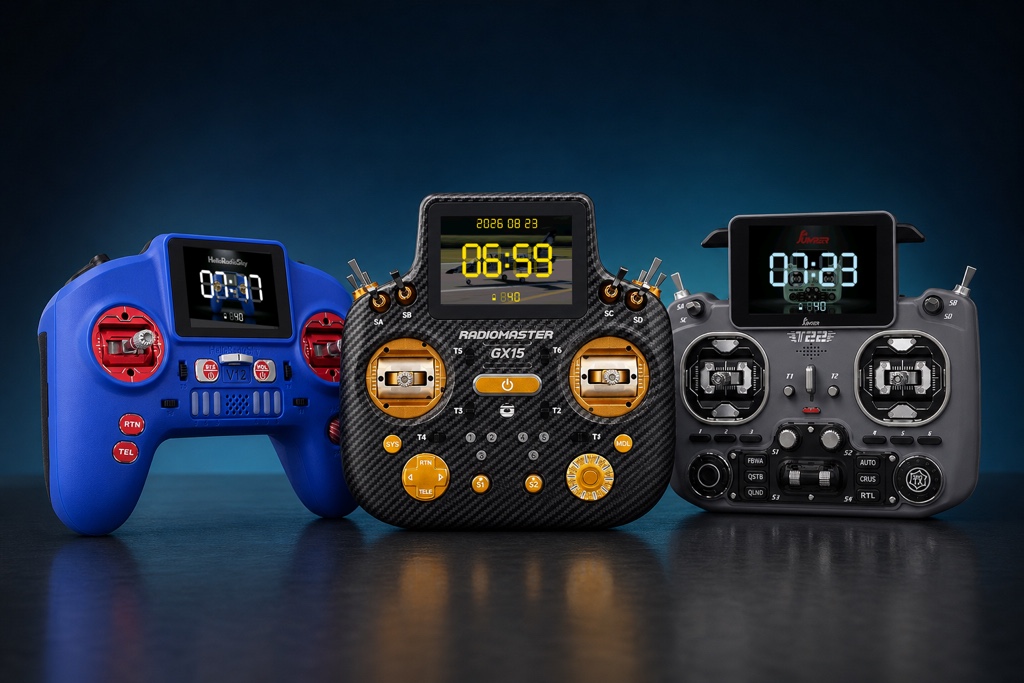
A large, clear clock designed to fill your radio display. Show or hide seconds, the date, and your radio battery level.
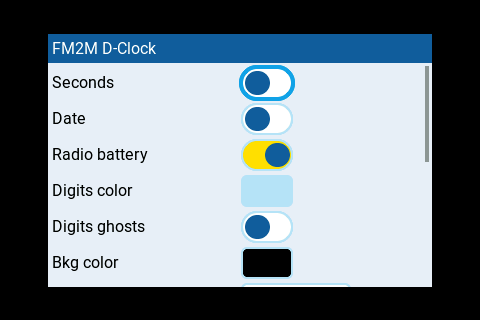
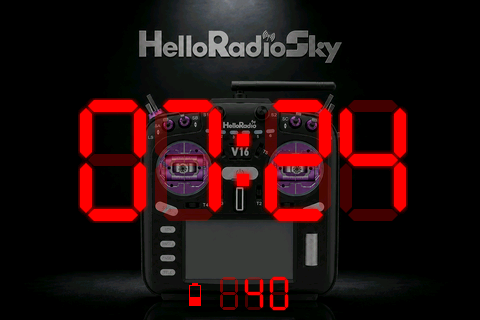
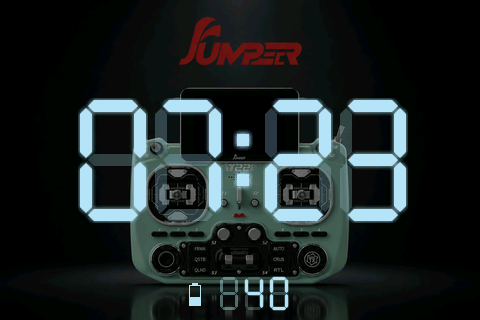
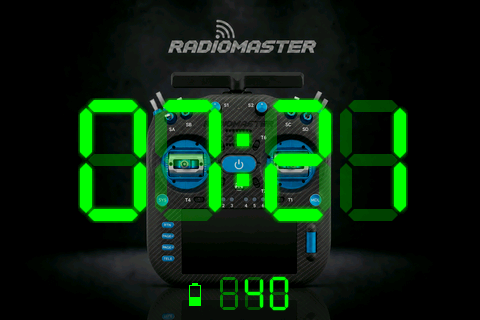
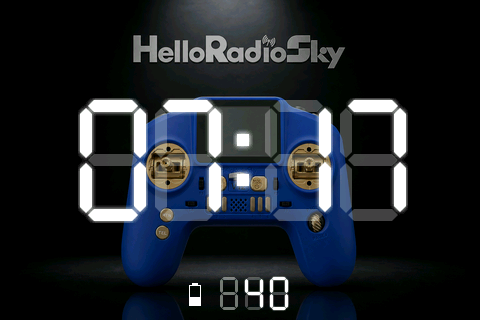
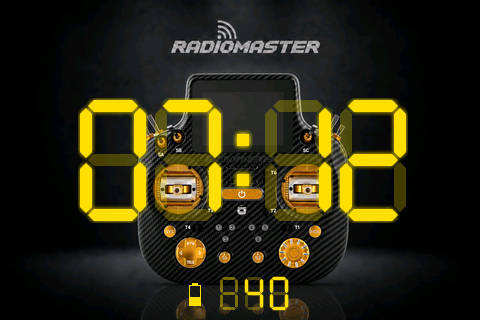
Choose your digit color. PRO adds LCD digit ghosts, background color, and dimming.
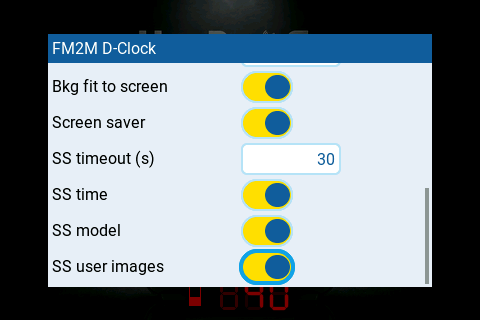
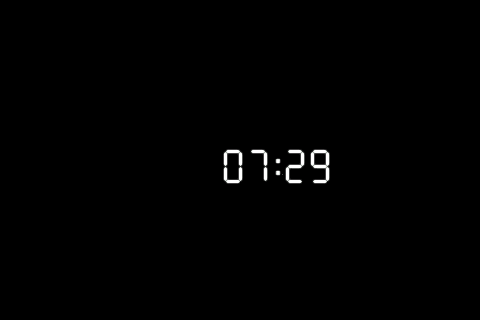
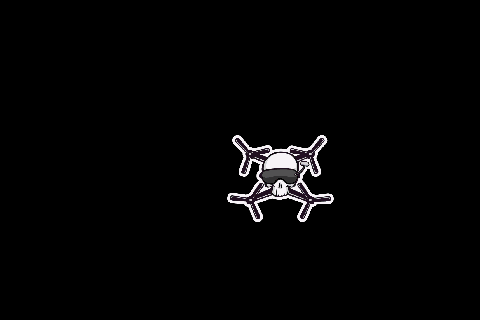
PRO adds a configurable screensaver. After a predefined time, the screen goes black to preserve your battery while displaying the time or your custom logo.
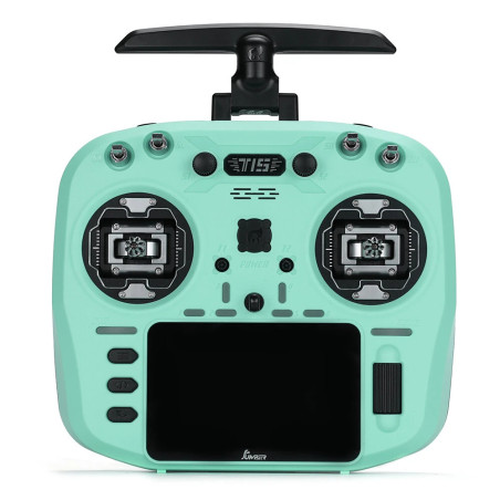
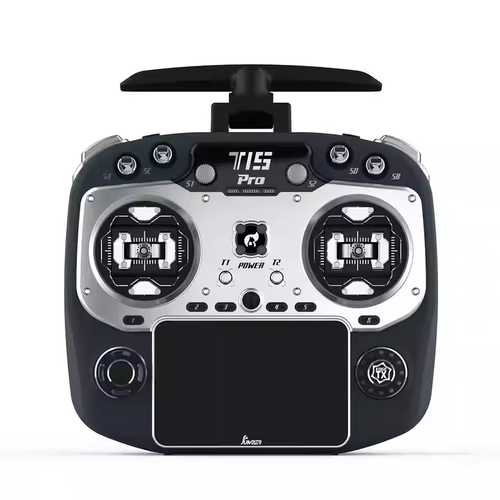
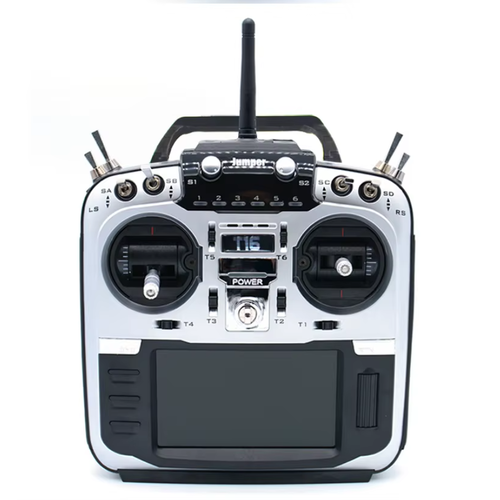
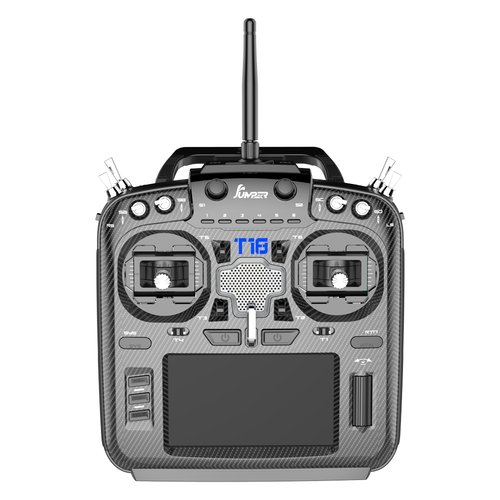
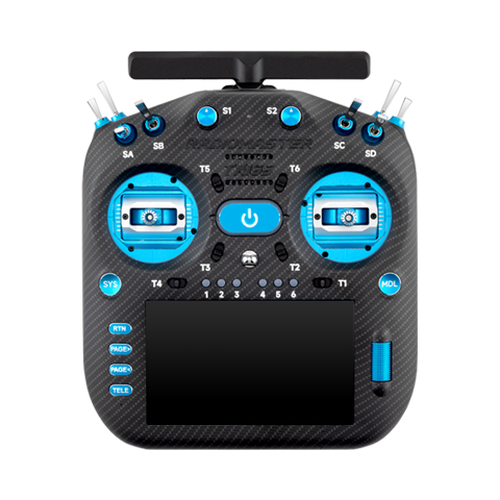
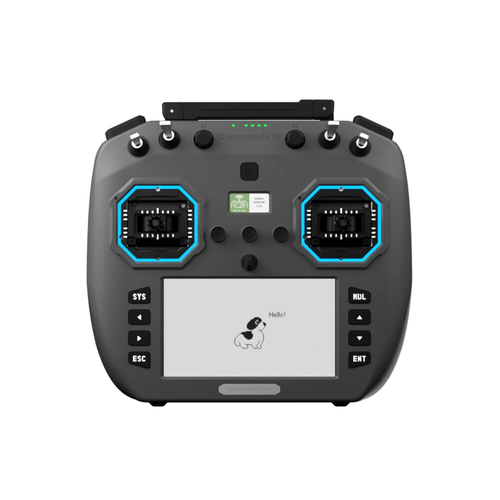
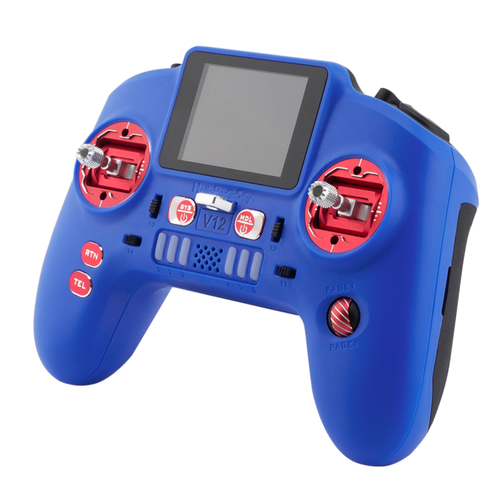
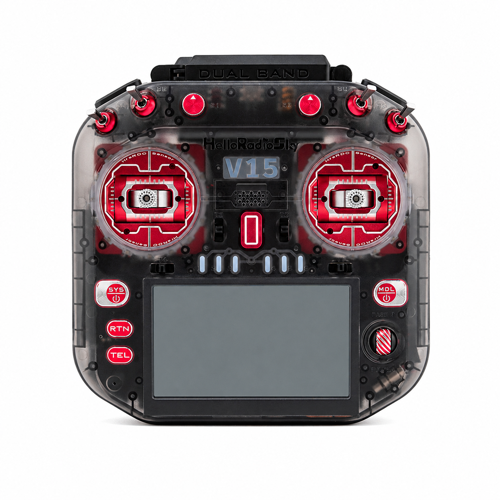
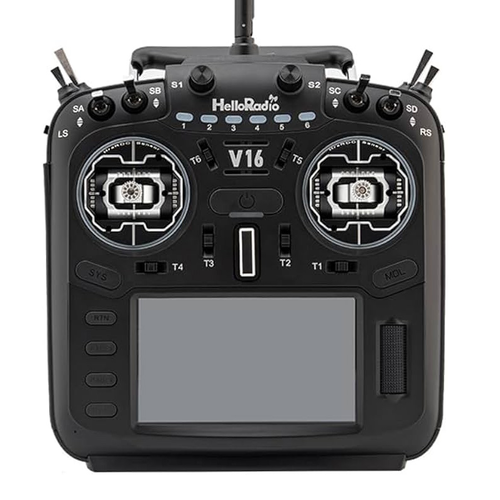
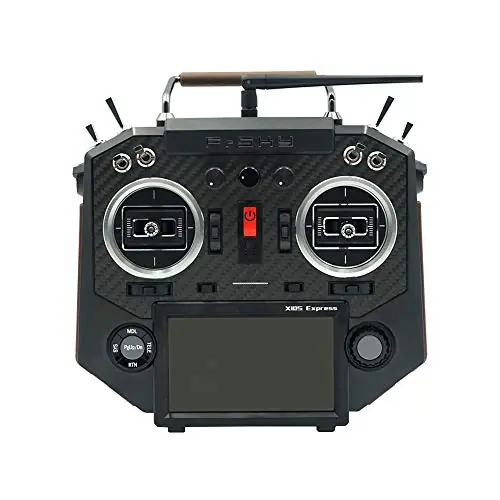
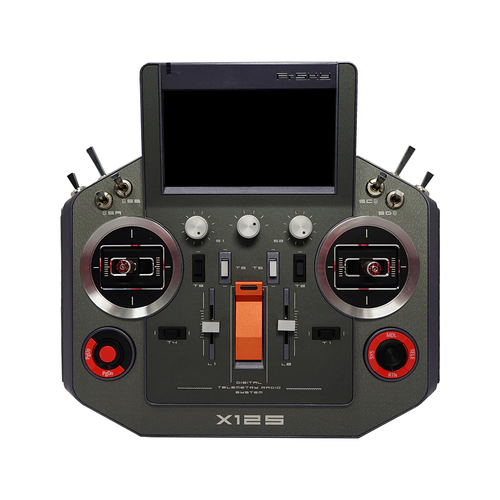
Color LCD radios with 320×240, 480×272, 480×320, or 800×480 displays.
320×480 displays are not supported yet.
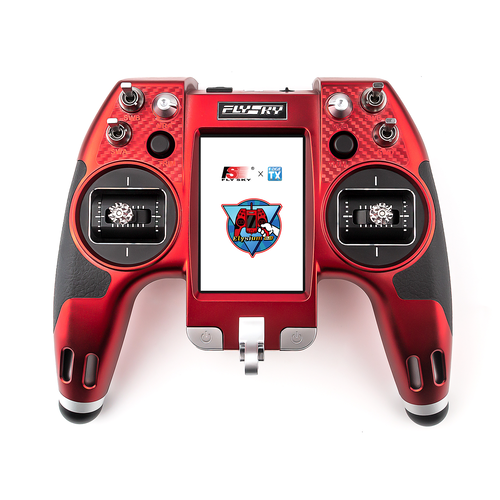
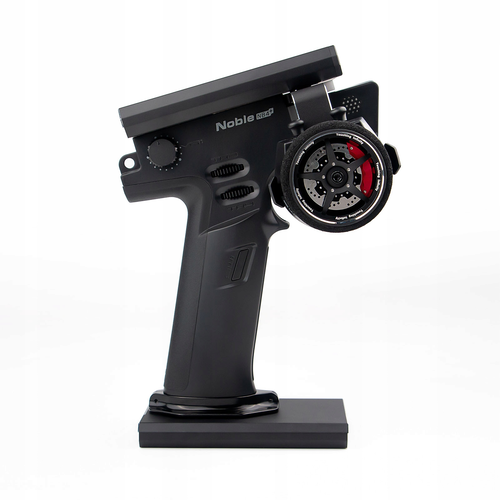
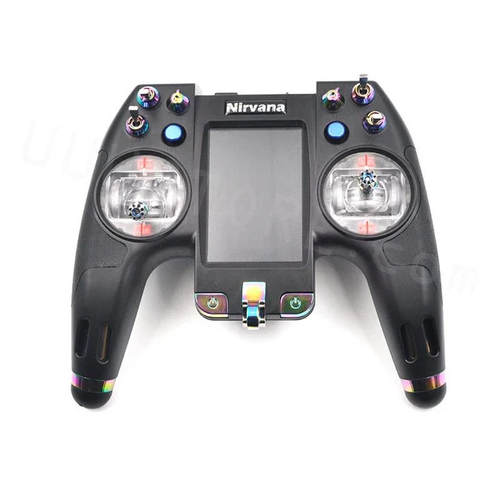
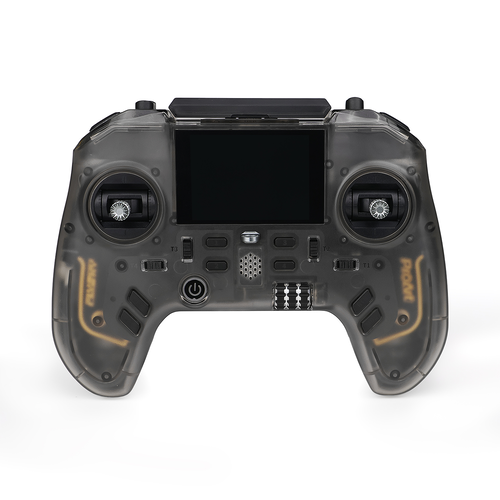
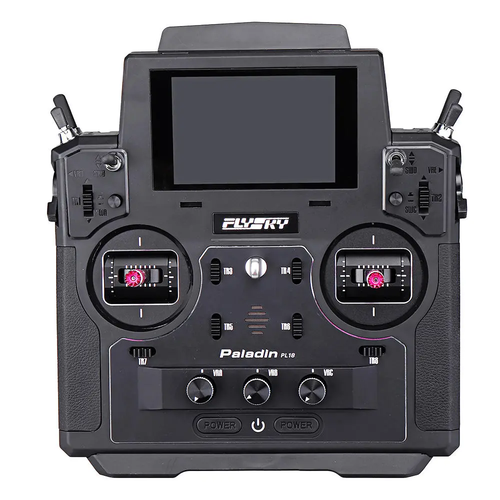
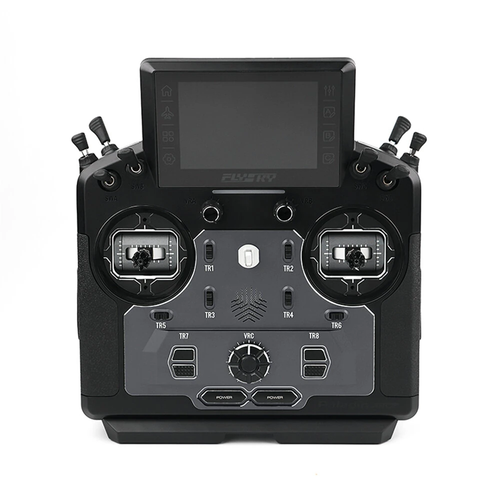
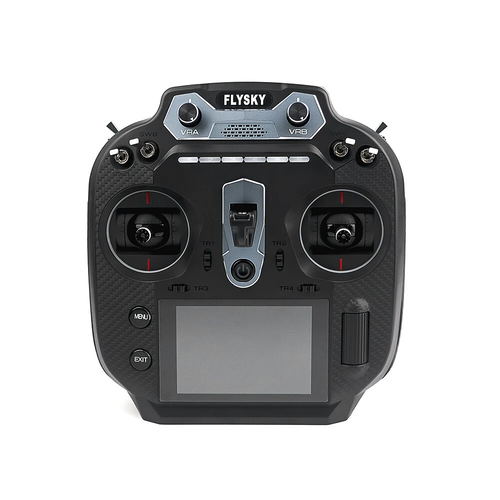
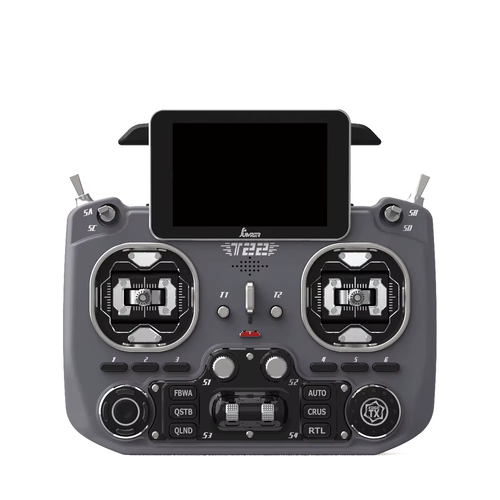
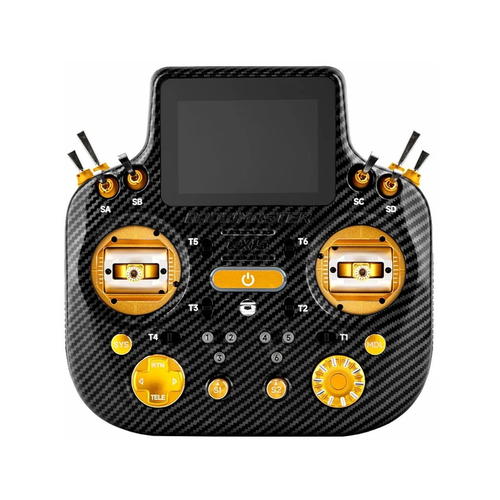
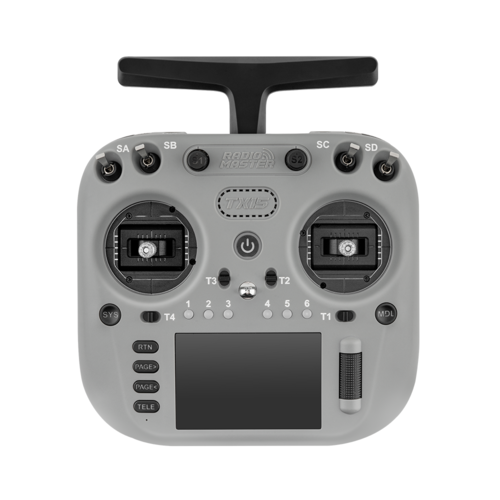
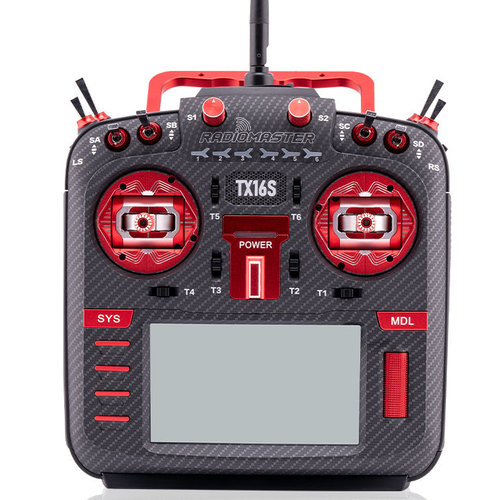
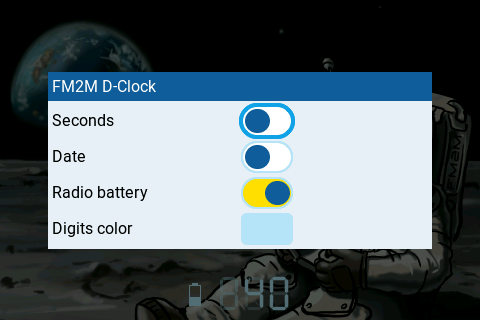
LITE version delivers full-screen clock with seconds, date, radio battery, and configurable digits color.
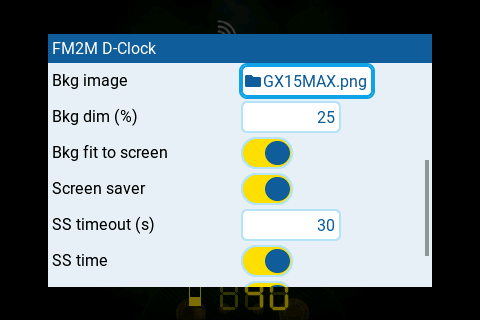
Everything in LITE, plus digit ghosts, custom backgrounds and dimming, and the activity screensaver with custom logos.